Most of a switch happens before switch day, whenever you have time. Switch day itself is short and runs in a set order. The Acuity and Periode sections cover what differs; the import wizard is in importing data.
Before switch day
- 1
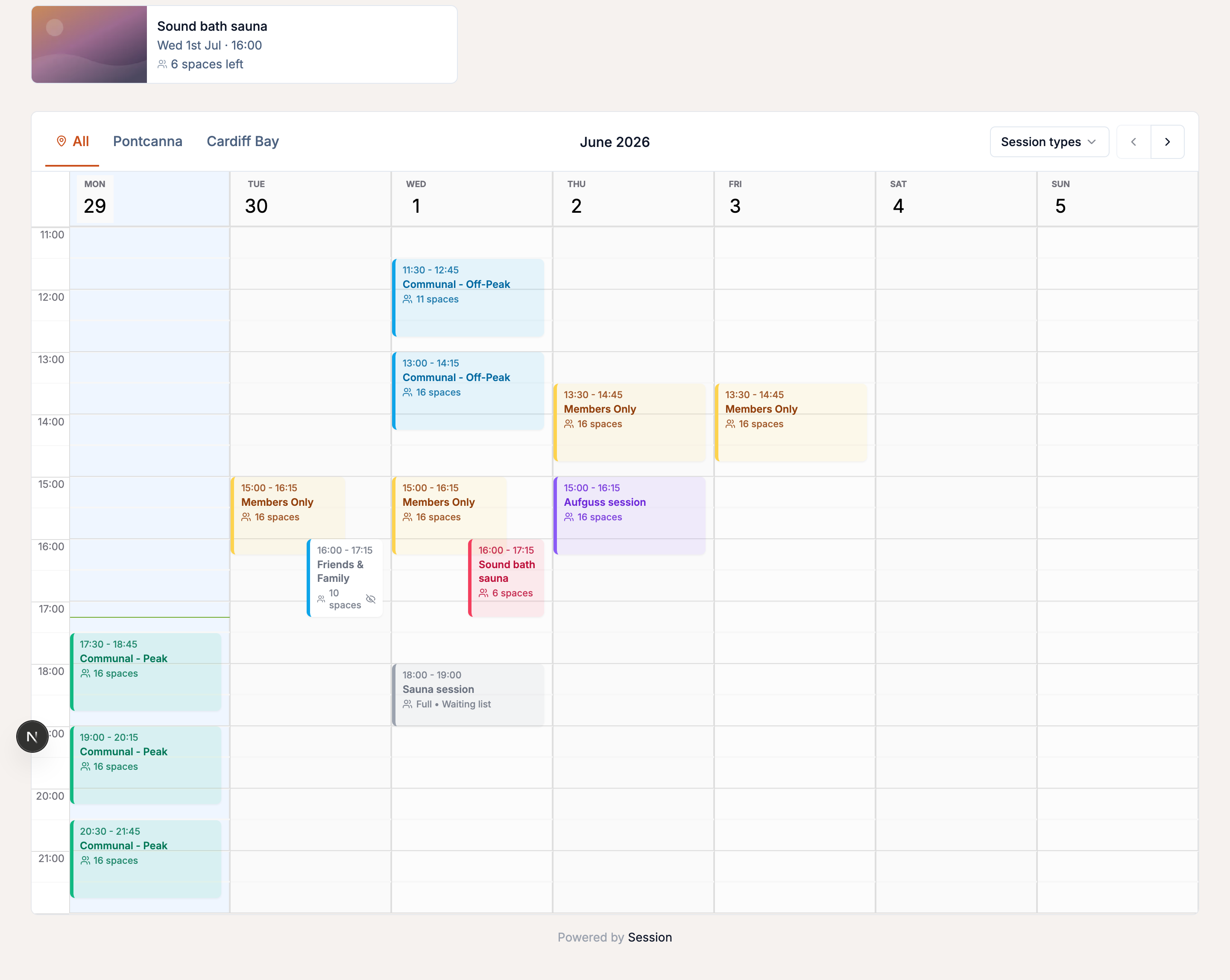
Schedule your sessions to match
Use the same days, times, durations, capacity and locations as your old platform, with repeating schedules and one-off dates. The import matches bookings to existing sessions by date and time and never creates sessions, so a mismatch loses bookings. With more than one site, set up locations first.
- 2
Connect Stripe
Start early, as verification can take a day or two - see connect Stripe.
- 3
Set your prices and offers
Mirror your current price options (imported bookings keep their own price and amount paid), and create the bundles and membership tiers your import maps onto - see what to create first.
- 4
Carry over policies, waivers and emails
Set your cancellation policy, waiver and any reminders on Email → Automated. The full checklist is in going live.
- 5
Plan your members and switch day
Decide which tiers match your old plans and whether you or your members cancel old subscriptions; we move member lists for you. There's no downtime, so pick a morning your team can focus.
On switch day
- 1
Stop your old platform selling anything
Stop new bookings and new pack, gift voucher and subscription sales. Existing bookings and your old account stay viewable.
- 2
Point your links at Session
Update your website, social bios and other booking links to
bookasession.org/your-slug- see booking links. - 3
Run your final export and import it
Export fresh, after step 1 (why). A "dry" export a day or two before lets you check the file.
- 4
Press Go live
Once your data is across, select Go live on your Setup checklist to make your page findable in Google.
Tell your customers
Email anyone with an upcoming booking, membership or credit. A draft to adapt:
Subject: We've moved our booking system
Hi
[first name],We've switched to a new booking system called Session. Your upcoming booking, any gift card balance or session credits, and your membership have all moved across, tied to this email address.
To pick up where you left off:
- Go to bookasession.org/your-slug/welcome
- Set up your login using this same email address
- You'll see your booking and credit waiting for you
Any questions, just reply to this email.
For about a fortnight after you go live, your Setup checklist shows this draft and the addresses of customers with a booking, membership or credit. Send it from your own address with them in BCC, never To or Cc, in batches if your provider caps daily sends (Gmail at a few hundred).
Session's email marketing only mails opted-in customers, and a bookings import records no consent. Mail your wider list from your old tool, or import a consented list as Customers.
From Acuity
If you gave Session your Acuity link at signup, your sessions are already built - check them. Acuity calendars usually map onto Session locations.
Stop Acuity selling
- 1Stop new appointments with Block off time → Block multiple days, from today for several years ahead, on every calendar. It's reversible.
- 2Stop package, gift certificate and subscription sales by turning off "Public" on each product under Packages, Gifts & Subscriptions. Existing balances aren't affected.
Export and import
Follow exporting from Acuity, or send us the export if you have real booking history, several locations or private hire. Gift certificates and packages need gathering by hand:
- Acuity's "Package" is Session's "Bundle", and a "Gift Certificate" is a "gift voucher".
- A certificate for a number of sessions imports as a count voucher and a cash one as an amount voucher. Restrict a private hire certificate to that session, since private hire is priced as one block.
- Check Acuity's balance screen, not the name - a product called "10 sessions" can track its balance in pounds.
Discount codes don't export either. Copy each active code's setup from Acuity's edit screen (percentage or flat, limits, expiry) into Offers → Discounts - SUMMER10 can turn out to be a flat £5 off.
From Periode
Send us your exports and we'll run the import, asking about anything ambiguous. What comes across:
- Bookings and customers, past and upcoming.
- Gift cards as gift vouchers, keeping the original Periode code so cards your customers hold still work.
- Punch passes as credit towards a bundle, including a member's unused monthly allowance.
- Your mailing list, with marketing consent where your export records it.
Turn off gift card sales as well as bookings - they're separate switches in Periode, and a card bought there after the switch is invalid on Session. Sell through Offers → Gift vouchers instead.
Pull your exports
From Periode's Reporting page, export:
- Bookings, history plus everything upcoming.
- Gift cards (the per-card list, with codes) and gift card balances (a separate per-customer export).
- Punch passes, with remaining-punches and expiry columns.
- Subscriptions, with each member's next renewal date.
- Customers or sales contacts, with the marketing consent column (or tell us how they agreed to hear from you).
You need both gift card exports - the per-card list has no balances, so part-spent cards come across wrong without the second one.
Include cards marked Redeemed; they usually still have money on them.
Members
Periode's Vipps and card agreements can't move into Stripe, so each member re-subscribes on Session.
Periode keeps billing until each agreement is cancelled - importing doesn't stop it, so cancel them yourself.
Costs
Periode charges one all-in rate; Session is Stripe's fee plus a platform fee. To compare, take a recent Periode statement's deductions as a percentage of takings.
Common questions
-
A customer can't see their booking after claiming their account. See import troubleshooting - usually they signed up with a different email address.
-
What if I find a code that didn't come across? Add it by hand - see discount codes and gift vouchers.
-
A customer says their Periode gift card doesn't work. If it was bought after your switch, Periode was still selling - switch that off. Either way, send us the code and the customer's email.
-
How long should I keep my old account? A month is plenty.